
A Small World Cup Controls: Direct vs Slingshot Mode
Published · Updated · 2 min read
One finger, one player
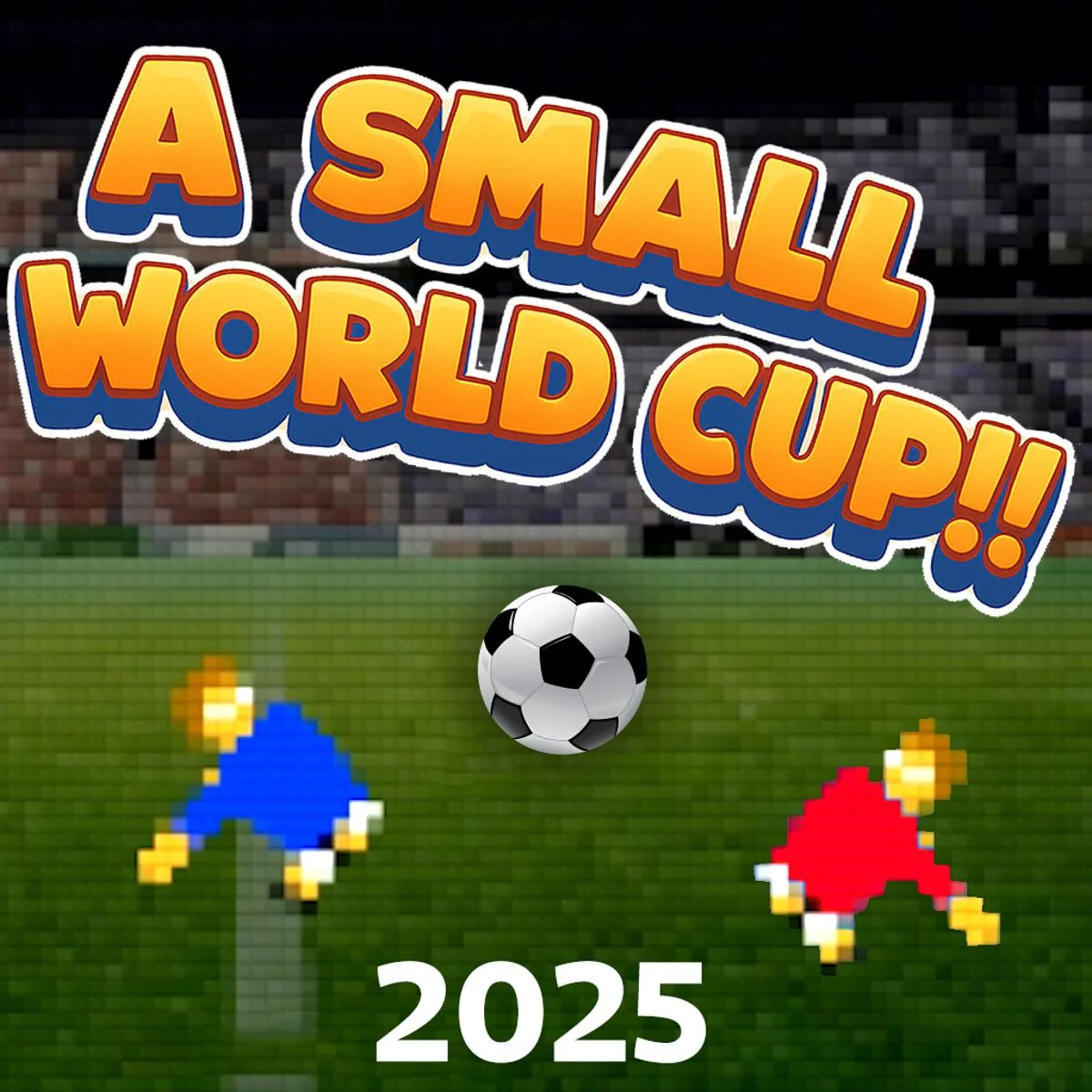
A Small World Cup is a side-on soccer game. The pitch is seen from the side, with one goal at the left edge of the screen and one at the right, and each team is a single small pixel-art player with a floppy, physics-driven body. You control your player and the computer controls the other one.
There are no buttons to learn during a match. The first time you start a game, a hand icon appears over the pitch with the line Drag anywhere on the screen to move the player. That is the whole control scheme: you press, drag and let go, either with a mouse on a computer or with a finger on a phone, tablet or touch Chromebook.
Direct and Slingshot
The drag can work in two ways. You switch between them under Settings on the title screen, on the line marked CONTROL. Each click flips the setting.
| Setting | What it is called in the game | Notes |
|---|---|---|
| Direct | CONTROL:DIRECT | The default when you first open the game. |
| Slingshot | CONTROL:SLINGSHOT | The alternative setting. The game remembers your choice for later visits. |
The game's text does not explain the difference beyond its two labels, so the simplest way to choose is to play one short match with each. Because the setting is saved, you only need to do this once. If a drag in one mode feels backwards to you, switch to the other.
The rest of the Settings menu
The same screen holds a few more options. Each one changes when you click it:
- Duration: match length, either 45 seconds (the default) or 90 seconds. The clock at the top of the screen counts match minutes, so a full game still reads like a real match even though it lasts under two minutes in real time.
- Sound: on or off. This covers the crowd, the referee whistle at kick-off and full time, and the goal cheer.
- Vibrate: on or off. It matters on phones that support vibration.
- Clear statistics: wipes the record the game keeps of your matches and cups.
- Back: returns you to the title screen.
Where your settings are kept
Your options, your statistics and the fact that you have already seen the tutorial are stored in your browser. If you clear your browser data, or switch to another browser or device, the game starts again from the defaults: Direct control, 45-second matches and a fresh tutorial.
Small practical points
- You can start a drag anywhere on the screen. It does not have to begin on top of your player, so you can keep your finger away from the action and still see the ball.
- On a small phone screen, turn the device sideways. The game is drawn in a wide, landscape frame.
- To try a control setting without losing a cup run, use Practice mode, which puts you on the pitch with the ball and no opponent. It is covered in our guide to the game modes.
More from the blog
- Who Made A Small World Cup and What Is in the Cup Menu
A Small World Cup is a Rujo Games title by Marco Rossi. Here is who made it, which cups the menu lists and which teams play in each one.
- Golden Goal, Practice and Normal Modes in A Small World Cup
What the three modes in A Small World Cup do, how a cup run is laid out from Day 1 to the final, and what the Statistics screen records.